
















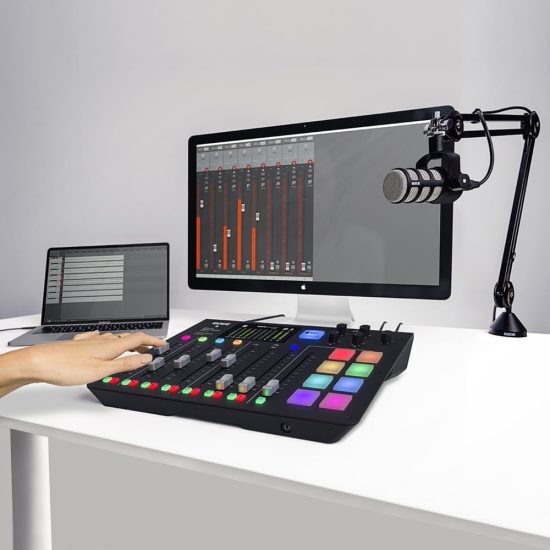
Rode says the new firmware update introduces some awesome new features that make the RØDECaster Pro even more powerful for podcasting and livestreaming, including MIDI control for syncing the hardware with DAWs and streaming software, new sound pad modes, nine language options and more. Features include:
- MIDI control – Control the faders in your DAW or the scenes within your streaming software with the RØDECaster Pro via MIDI
- New sound pad modes – Including ‘Swear Button’ and ‘Trash-Talk’ mode
- Nine language options for the RØDECaster Pro and Companion App including English, French,
- German, Italian, Spanish, Portuguese, Chinese, Japanese, and Korean.
- To learn more about using the MIDI functionality on the RØDECaster Pro, see the new page on MIDI Control here.
Download firmware version 2.1.2 for the RØDECaster Pro now.
Reverting to Stable Firmware
If you are using the latest firmware but want to revert back to an older version, you can do so by downloading the previous version of the RØDECaster Pro Companion App and running through the following steps;
- Uninstall the current RØDECaster Pro Companion App from your computer.
- Download and install the previous version via the link below.
- With your RØDECaster Pro plugged in via USB, open the companion app and click ‘File’ >
- ‘Update Firmware’ > then click ‘Update’ in the pop-up box to revert your RØDECaster Pro back to the previous version.
- Your RØDECaster Pro will automatically switch off after updating; switch it back on to complete the process.
- Download firmware version 2.1.0 here:
RØDECaster Pro Firmware Version 2.1.0 (Windows)
RØDECaster Pro Firmware Version 2.1.0 (Mac)
If you have any issues, don’t hesitate to get in touch with Rode here.
Companion App – OS Requirements
Mac OS 10.13 or later
Windows 10 Version 1803
RØDECaster Pro ASIO Drivers
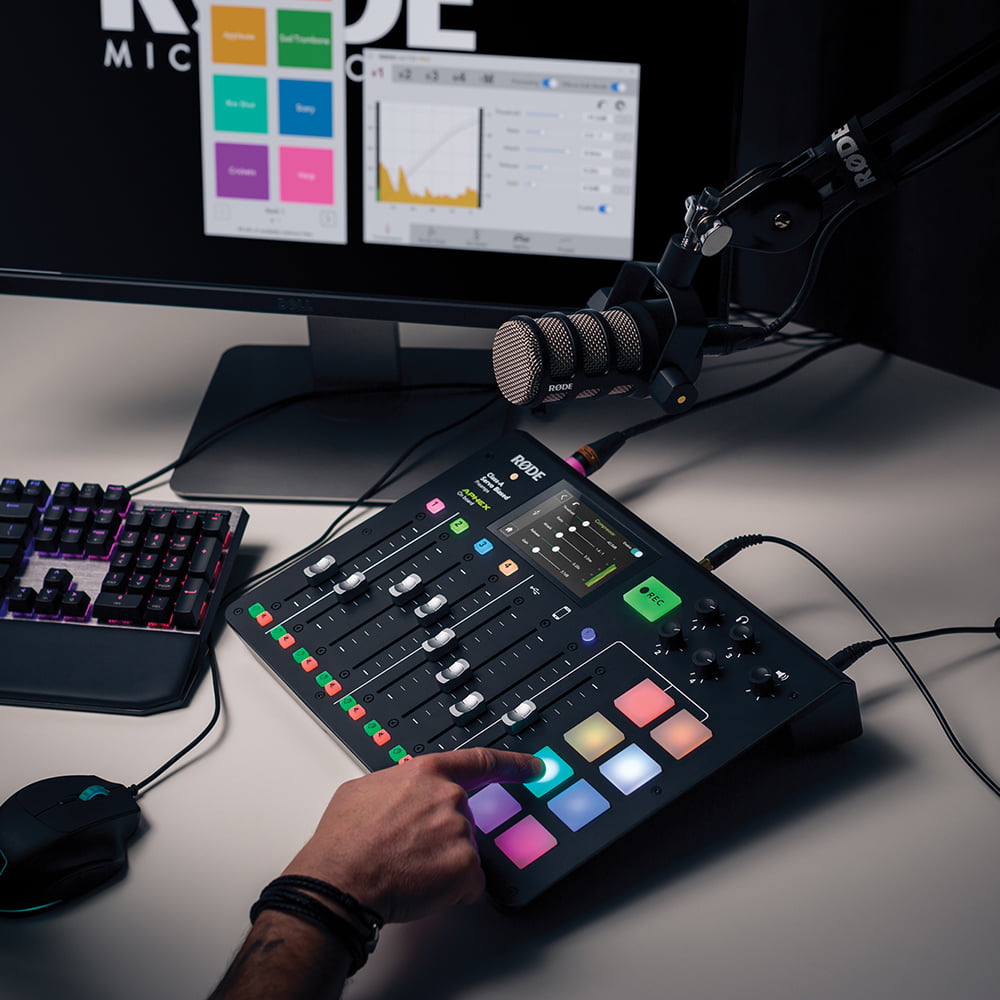
To download the new ASIO driver for Windows, click the link below:
RØDECaster Pro Windows ASIO Driver.zip
For help setting up and using the ASIO Driver for the RØDECaster Pro, see the walkthrough below:
Installing and Using the RØDECaster Pro Windows ASIO Driver.pdf