

















Memory cards are a crucial component of digital photography. A memory card is a storage accessory that records the image data you make while taking photographs with a digital camera. There are many different memory cards built to suit different needs, camera models and budgets. Here are some tips to help minimize memory card problems.

1. Use a good card reader
There are various types of memory cards, each with different specifications and levels of quality. There are also card readers of different qualities to match.
Card readers are the devices that transfer data from the memory card to your computer.
While card readers seem like a pretty straight-forward piece of equipment, you don’t want to run the risk of corrupting files as you upload them to the computer.
Investing in a good memory card reader can save a lot of stress down the road.
2. Purchase quality cards
Purchasing a good memory card is key to safeguarding your images. While quality cards may be more expensive, a cheap memory card can compromise your photography.
Brands like SanDisk and Lexar are a go-to for professional photographers. Steer away from deals that look ‘too good to be true’ or obscure brands with poor reviews.
3. Eject your memory card from the computer safely
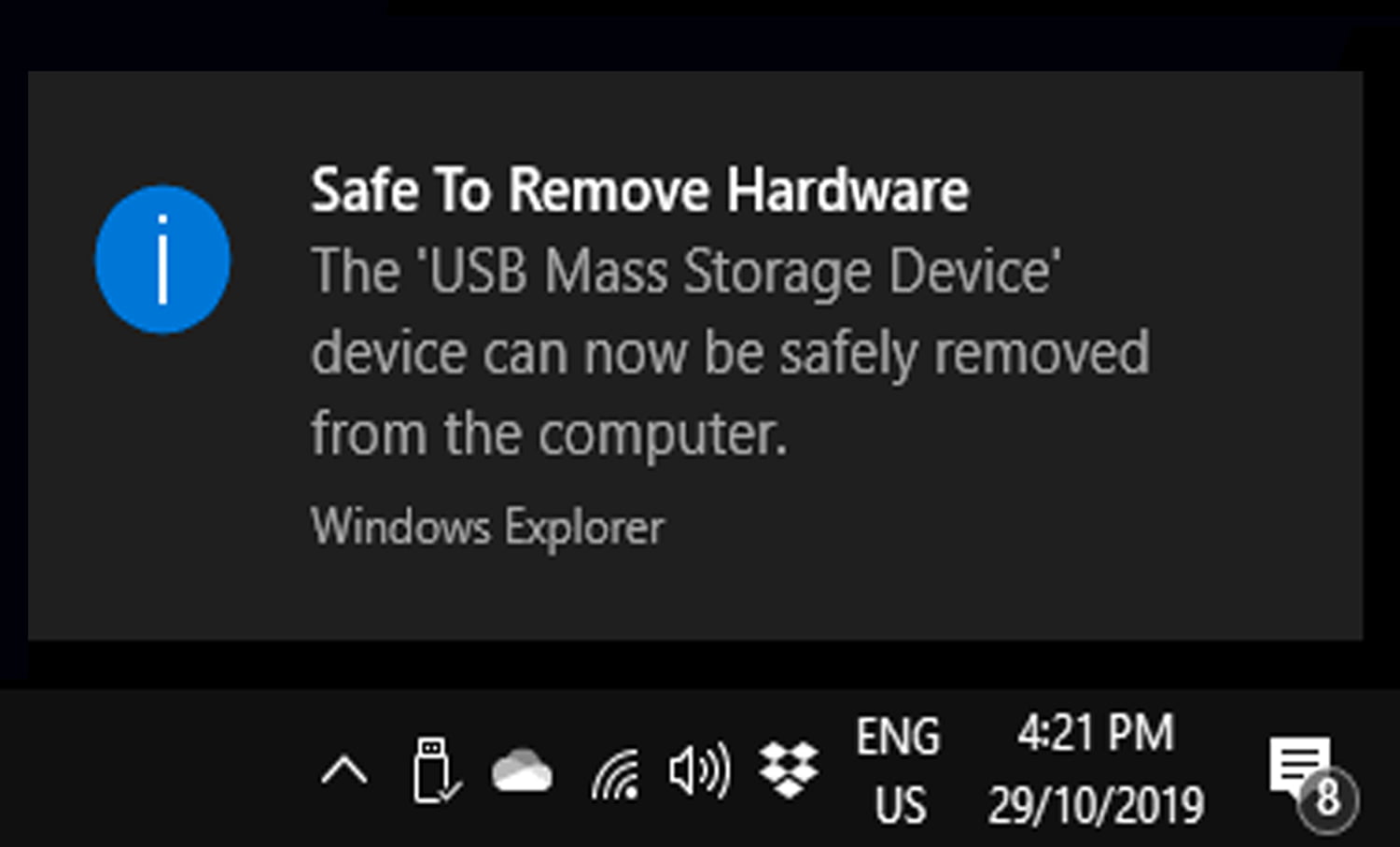
While it might seem harmless to remove your memory card from the computer without ejecting, you could be putting your next shoot at risk.
Not ejecting your card may result in corrupted data or card failure. To minimize memory card problems, always eject your card through the computer before removing it.
4. Turn your camera off before removing your memory card
Another simple way to minimize memory card problems is to turn your camera off before removing your card. Removing your memory card while the camera is still on can interrupt the writing process and potentially corrupt your image files.
In addition, avoid shooting while your camera battery is low. If your camera runs out of power while reading/writing it can be detrimental to all the data on your memory card.
5. Don’t completely fill your card with images
It sounds counter-intuitive, if you have the space, why not fill the card…right?
The fact is, just like a maxed-out hard drive, a card nearing capacity under-performs, and this can compromise your images.
To avoid this issue, invest in a large memory card, keep an eye on your image-count, don’t fill your card over 85-90% capacity, and always have a spare card at the ready.
6. Don’t switch devices without formatting
Switching a memory card into different camera devices risks compatibility issues that can corrupt the data of the whole card.
If you need to change equipment, formatting a card before use or using a new memory card is the safest way to go.
7. Don’t delete files in-camera
If you take a photograph you aren’t too keen on, it’s tempting to erase the image then and there. However, deleting photographs individually in-camera can result in corrupted images.
Going through and deleting images can also soak up valuable shooting time. Wait till you have uploaded your files to the computer before you start deleting content.
8. Format your memory card before using it
At the start of a new shoot, you want a memory card that is ready to read/write plenty of new data.
To do this properly, it’s a good idea to format your card in-camera first.
Selecting the format option in your camera menu will clear the card, readying it for new image files.
Formatting before a shoot also minimizes the likelihood of scrambling new images with lingering data left on the card from previous shoots.
Source: digital-photography-school.com
Author: Megan Kennedy